The pipeline
Select a mesh. Give it a texture folder.
Read the folder
Resolve supported PBR texture references from a .mtlx sidecar, or use filename rules. Presets, custom suffixes, and MaterialX limits. No extra Python packages needed.
Apply and wire
Scale applied, textures mapped, a Principled BSDF wired. The default is a seam-free triplanar preview that never touches your UVs.
Finish the UVs
Triplanar makes no UV map — so the panel says so, and offers one click to keep the mesh's own UVs or make new ones. Baking and engine export need real ones.
Name, batch, render
Objects, meshes and materials take one family name. LODs and duplicate cleanup on demand. Then light it, frame it, and render stills or a turntable.
Quick start · Free and Full
Your first material.
Install the ZIP
Keep the downloaded ZIP zipped. In Blender 4.5 or 5.2, open Edit → Preferences → Add-ons. From the top-right drop-down menu, choose Install from Disk… and select the ZIP. Complete installation and check that Kilnkit is enabled.
Select your mesh
In Object Mode, select the mesh you want to finish. In the 3D Viewport, press N, open Kilnkit → Materials, then choose Choose Texture Folder. Select a folder containing one texture set; PBR is applied automatically. For an existing slot, set its folder and press Apply PBR.
Check the material
Review the slot's Detected / Missing channels and switch the viewport to Material Preview. Adjust texture scale, AO, normal, and height. For an unrecognized naming scheme, open Settings → Texture Filename Rules.
Finish the UV mapping
The default Triplanar preview uses object coordinates and creates no UV map. Choose Keep Existing UV → Use Existing UV for a mesh with suitable UVs. Otherwise use Create UV Map when offered, or select an unwrap method and apply it. Unwrapping can replace the current UV map.
Check the new mapping visually: changing to UVs does not bake the triplanar appearance. Baking and engine export require a separate workflow suited to the destination.
Texture detection
Help Kilnkit find your maps.
Filename rules
Open Settings → Texture Filename Rules. Auto Detect uses filename keywords. Choose a preset for a known naming scheme, or Custom to edit Base Color, Normal, Roughness, Height, AO, and Metallic suffixes. Custom fields are ignored in Auto Detect.
For example, Custom defaults recognize wood_c.png, wood_n.png, and wood_r.png. Keep one texture set per folder and check the detected channels before applying.
MaterialX sidecars
A resolvable .mtlx sidecar takes precedence over filename presets. Kilnkit follows supported surface/displacement connections to image files and supplements missing channels with filename keywords. If no usable mapping is found, it uses the selected filename rule.
This is texture-file detection, not full MaterialX graph reproduction. Mix/multiply nodes are followed to a texture input; their math, layering, and procedural effects are not reproduced. Check normal-map orientation and the resulting material visually.
Any folder
The same pipeline, whatever you feed it.
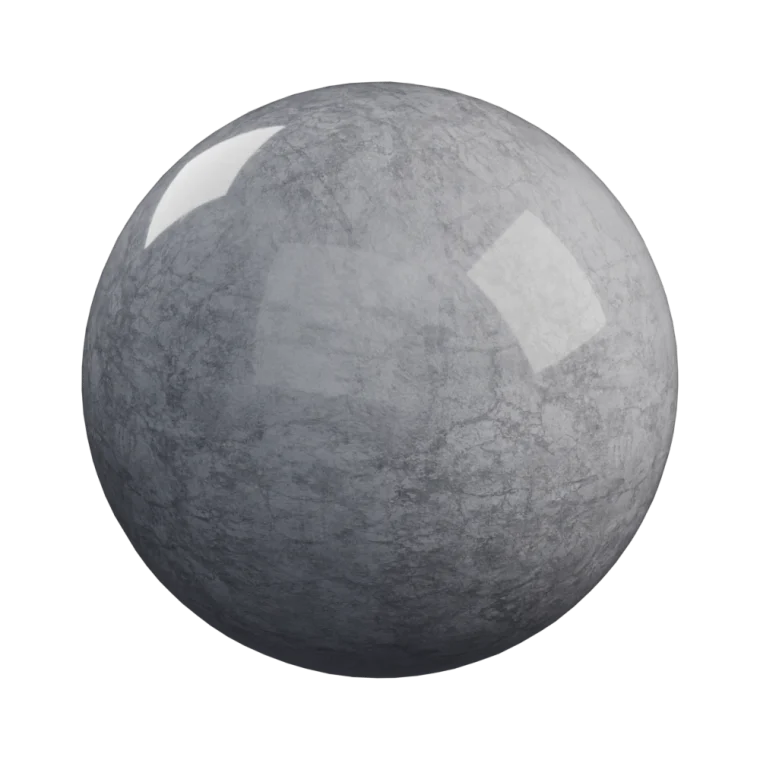
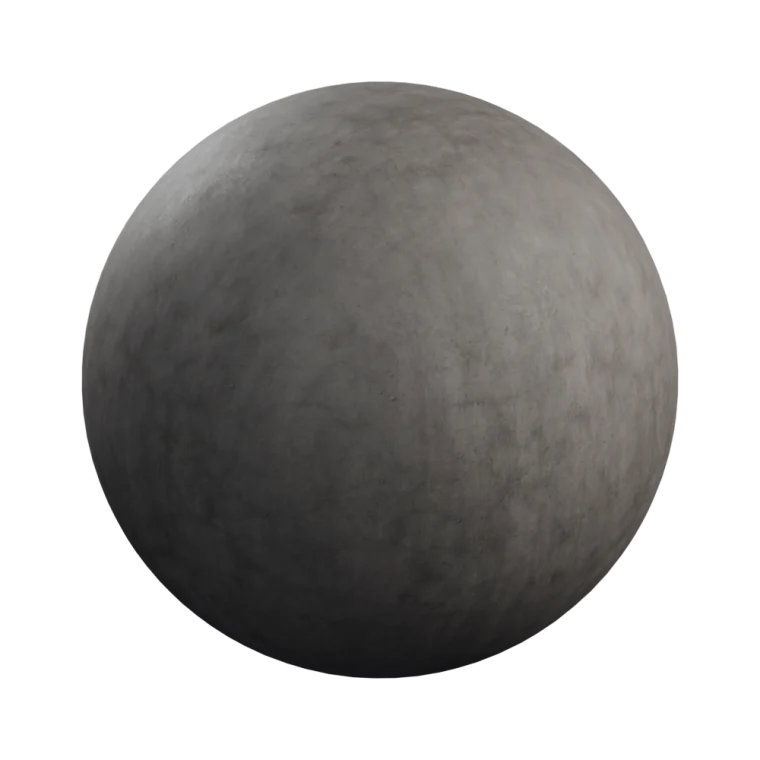
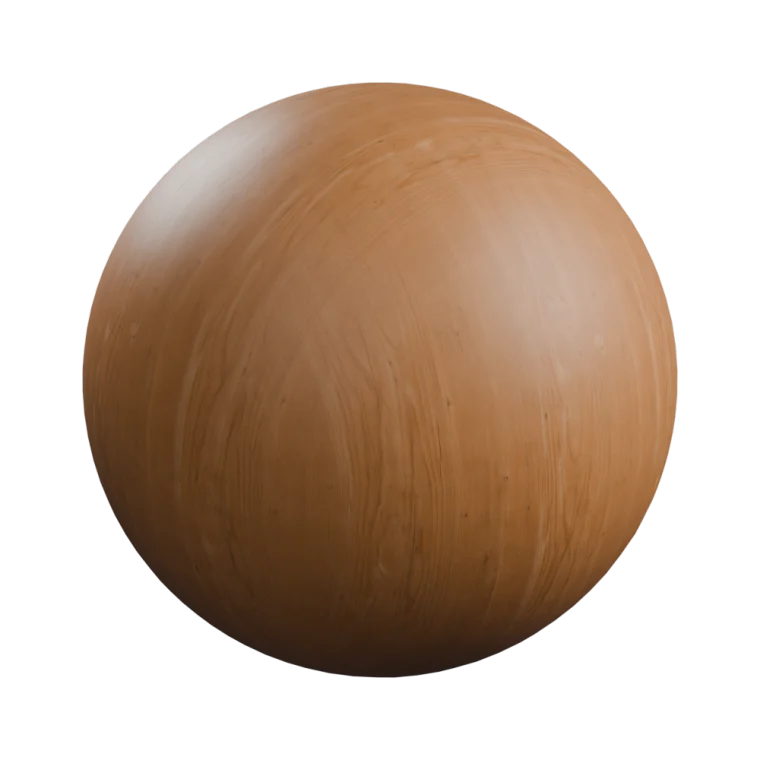
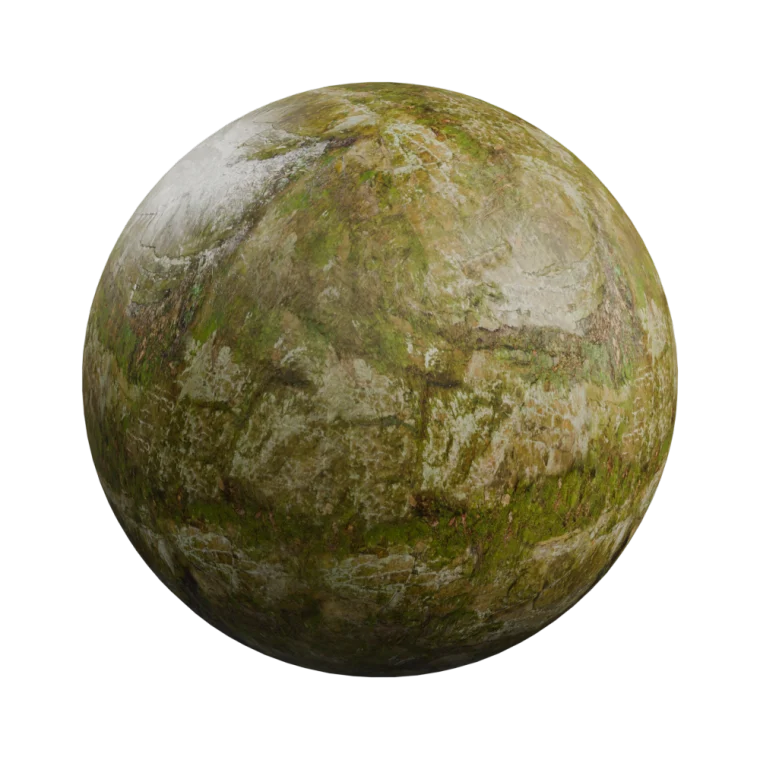
Point Kilnkit at a marble set or a mossy rock set — it's the same one click, the same finished ball, no node editing in between.
Four folders from ambientCG. Same sphere, same one click.
In the box
Small tool. Whole finish.
Finishing guide
An optional checklist below the working controls — material, UV, name, shoot, output — read from the scene's real state. It starts collapsed; open it when you need the next step.
Accurate detection
Uses supported .mtlx texture references, with filename detection as a fallback. Set presets or custom suffixes in Settings → Texture Filename Rules.
Six UV modes
Triplanar, Keep Existing, Object, Cube, Smart UV, and SLIM auto-seam unwrap.
Live sliders
Texture scale per axis, AO, normal and height — with optional two-way node sync.
Asset library
Build materials straight from folders with no mesh, mark them as assets, export one packed .blend each.
Batch tools
Apply to selected meshes, or import subfolders as slots on the active mesh. Folder imports and library builds run in steps; selected-object processing is synchronous and can pause the UI.
Render automation
Environment, three-point lighting, an auto-framed camera, multi-angle stills, and a 360° turntable.
A camera that remembers
Hand-tuned framing is saved per asset and restored in one click. Cameras you've touched are never silently moved.
Naming, your convention
One family name across object, mesh and material — or game-engine prefixes like SM_ and M_.
Editions
Same code. Two builds.
Free includes the material, UV, batch, library, and individual render tools. Full adds dedicated render queue and contact sheet tools. Both builds have freely modifiable GPL source.
Full includes every future update, free. Installing either edition? Start here.
| Free | Full · $29 | |
|---|---|---|
| Finishing pipeline | Yes | Yes |
.mtlx, sliders, batch | Yes | Yes |
| Render automation | Yes | Yes |
| Turntable video | Yes | Yes |
| Render queue | — | Yes |
| Contact sheets | — | Yes |
Honest scope
What it does not do.
- It does not generate or paint textures. Bring your own maps.
- It is not a material library. Nothing pre-made ships with it.
- It is not a render farm. The queue runs on your machine.
- It is not an asset manager. It feeds Blender's own asset library rather than replacing it.
Requirements
Just Blender and the add-on.
Blender 4.5 LTS or newer, tested on 4.5 and 5.2. Install the Kilnkit ZIP using Install from Disk. Pure Python on Blender's own API — no PIP packages, no bundled wheels, no external programs. Kilnkit makes no network requests of any kind and works fully offline. English interface, with a complete Korean translation built in.
Why it exists
It started in a messy outliner.
Hundreds of objects to walk through; a camera and three lights placed by hand — again — just to photograph one of them; folders of assets from everywhere, waiting to be rebuilt, renamed, and shelved. Blender kept growing and AI kept accelerating, but the keeping stayed slow. Kilnkit was built to take over the keeping — so the making gets the hours back.
Field notes
Notes from the workbench.
Practical notes for your first material and the step from preview to UV mapping.